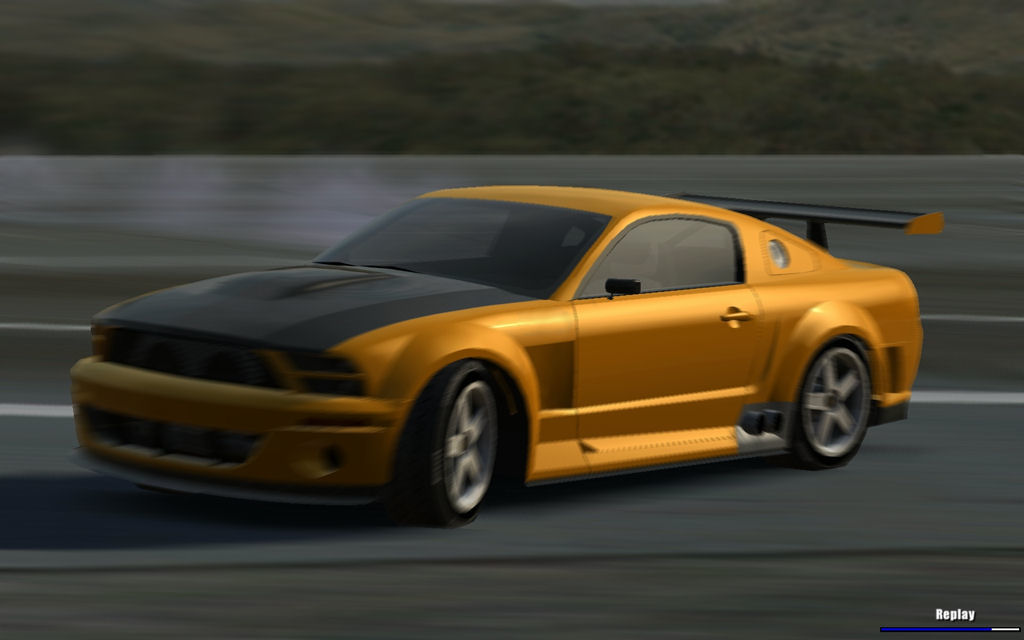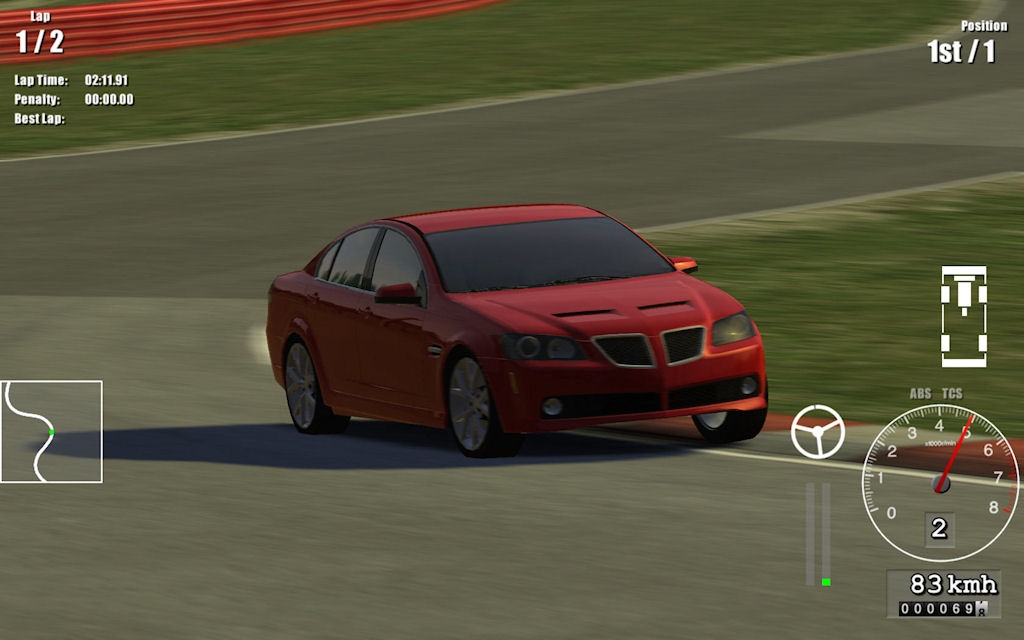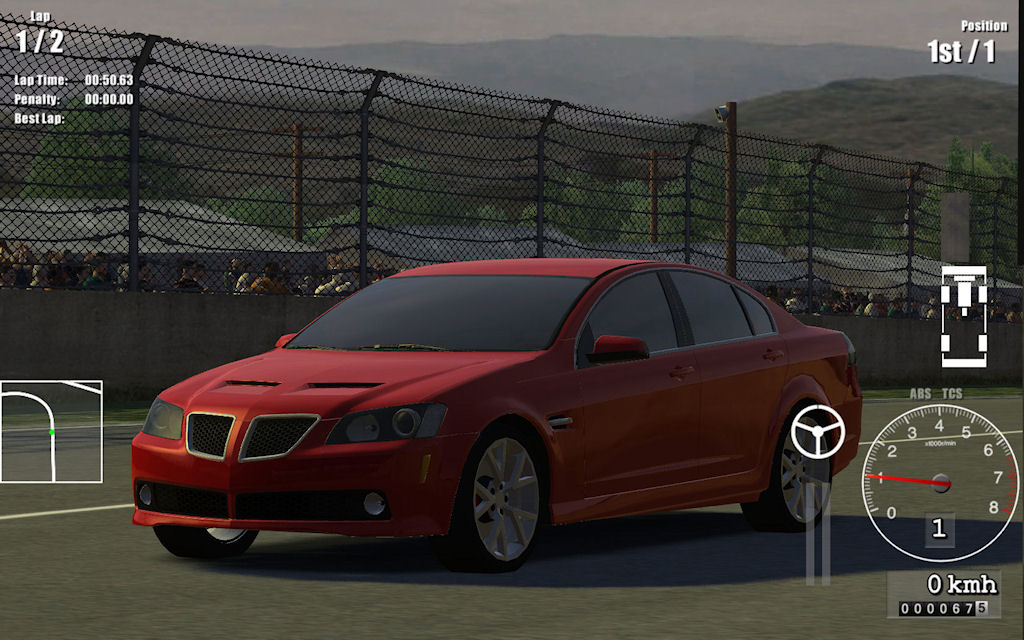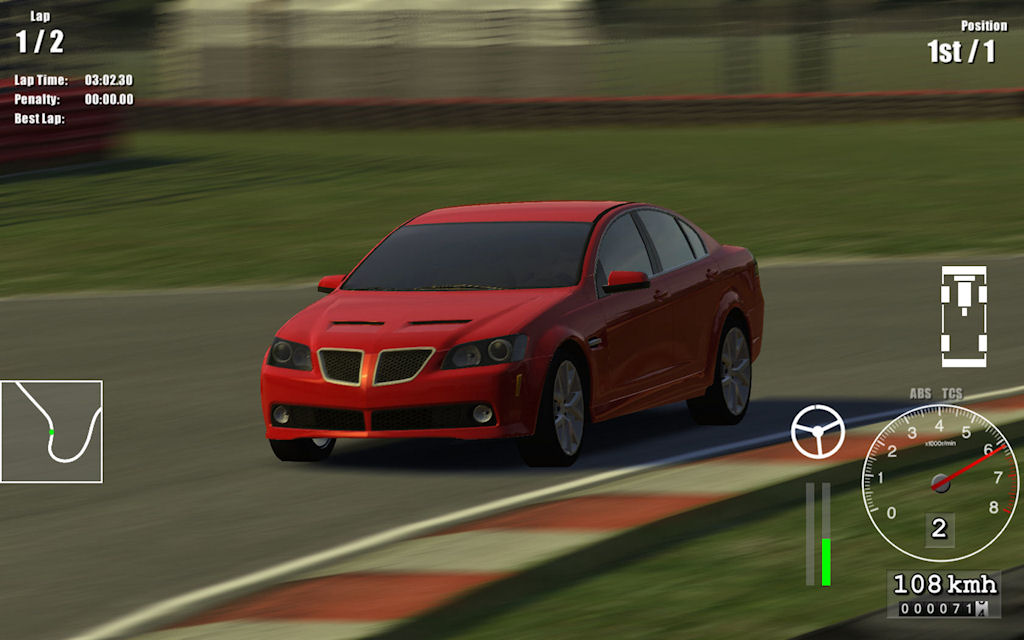
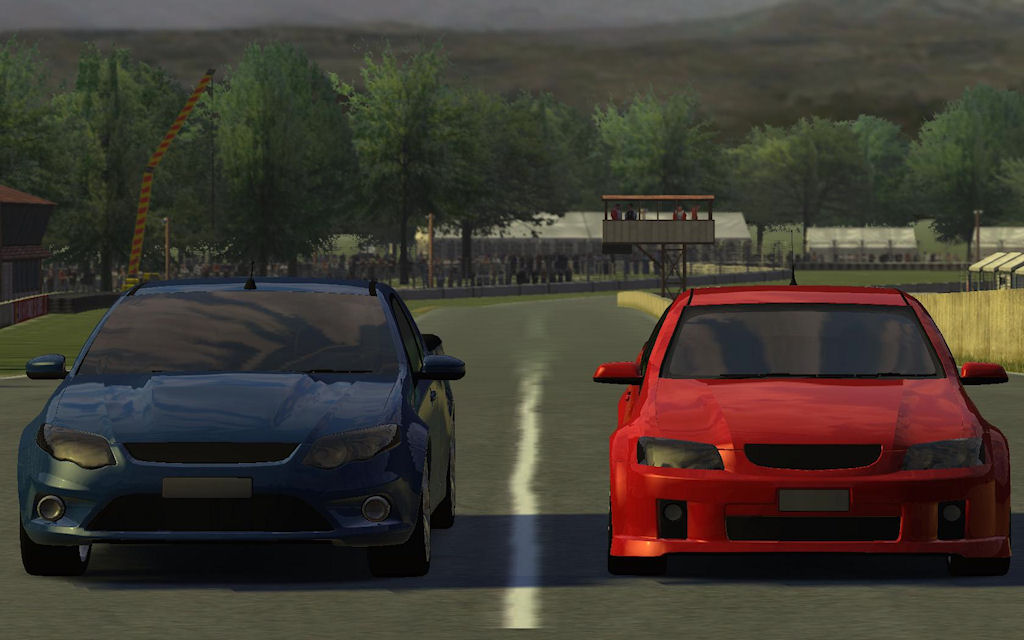
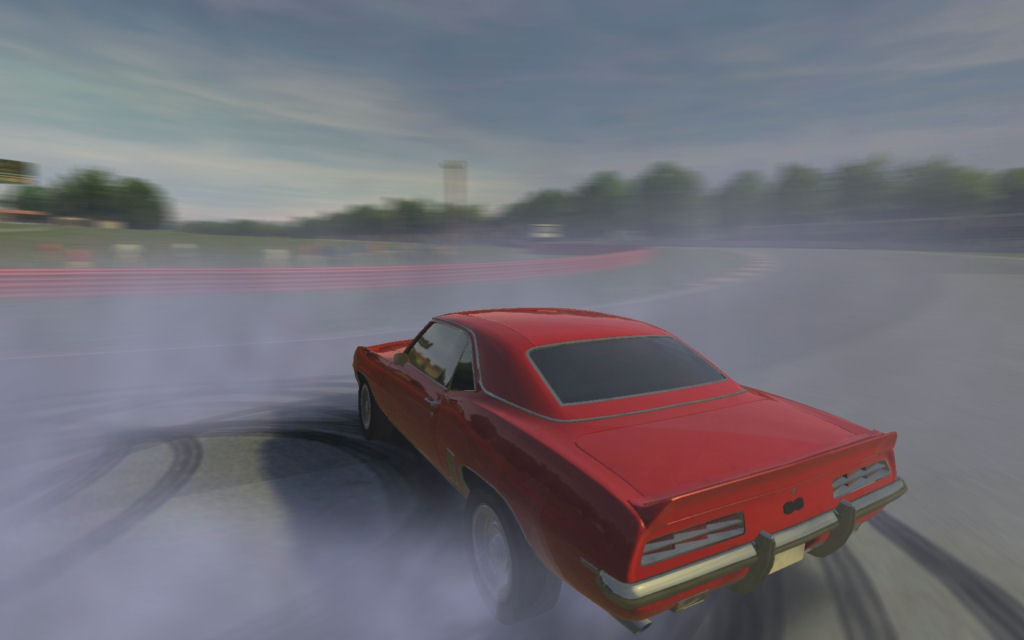
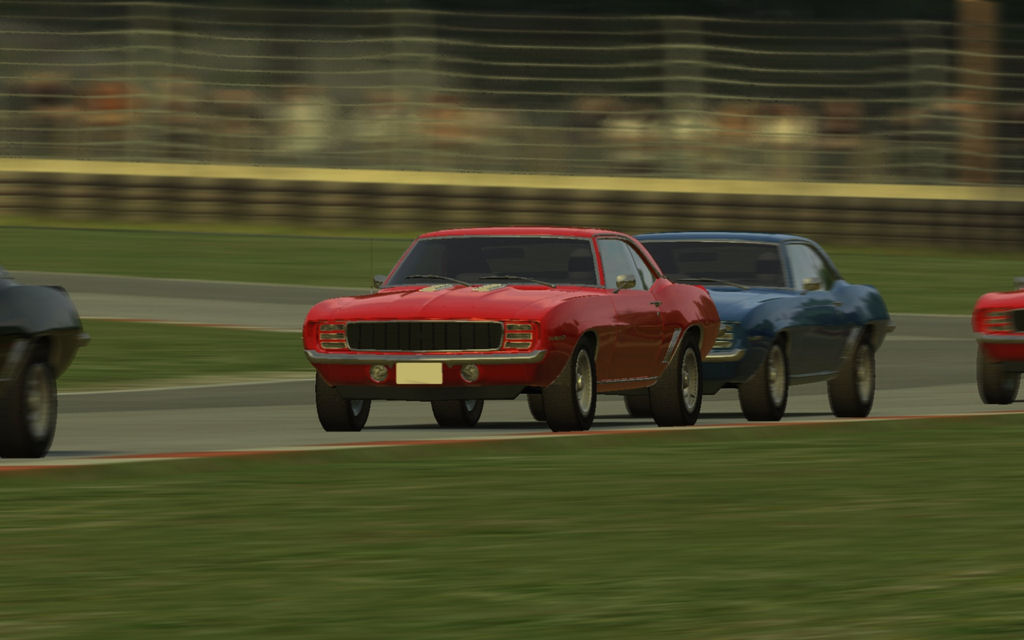
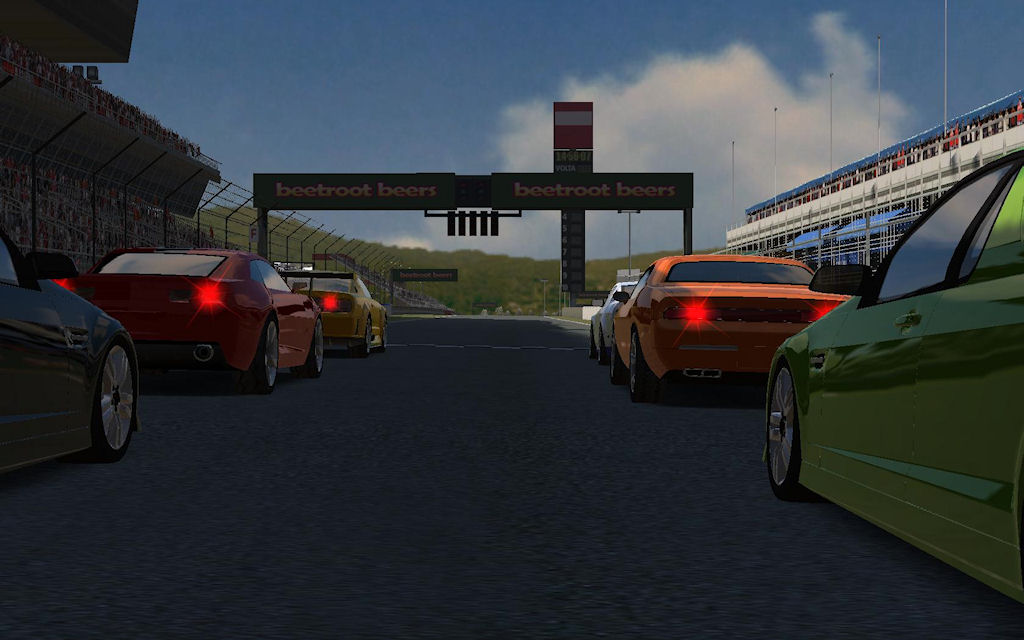
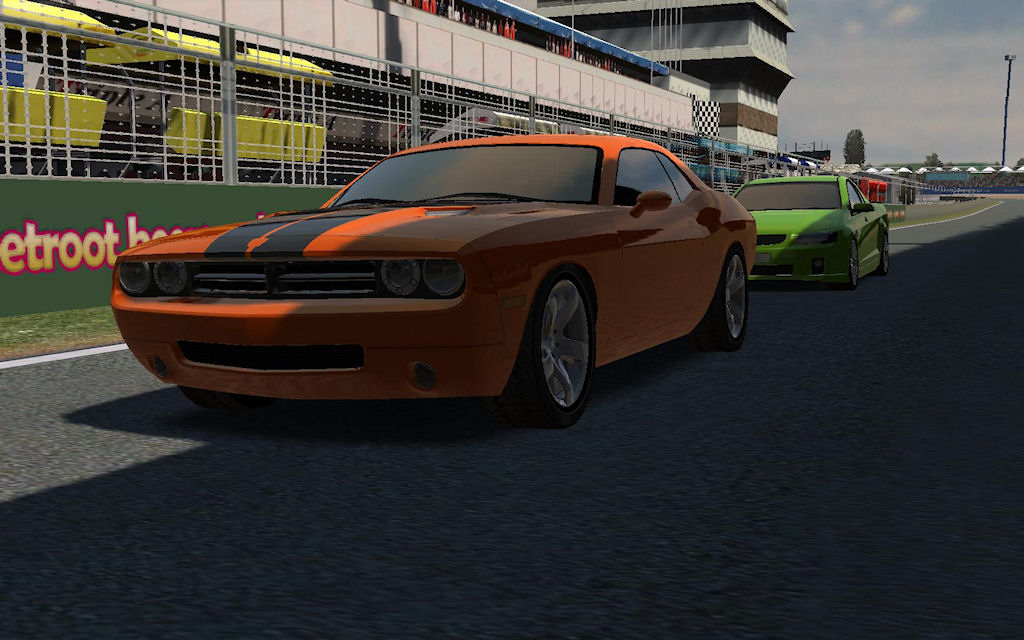
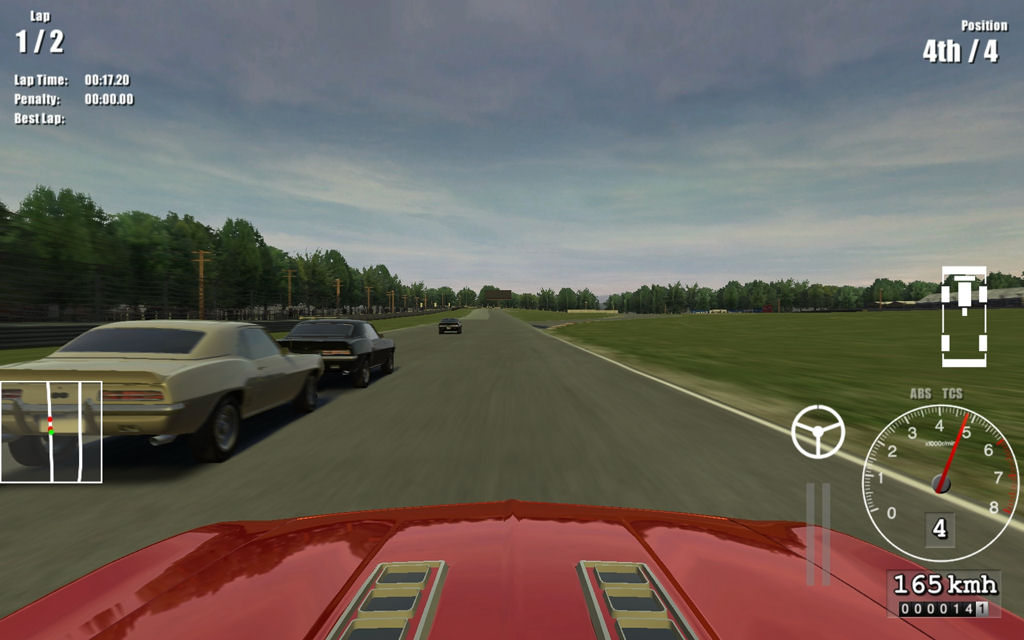
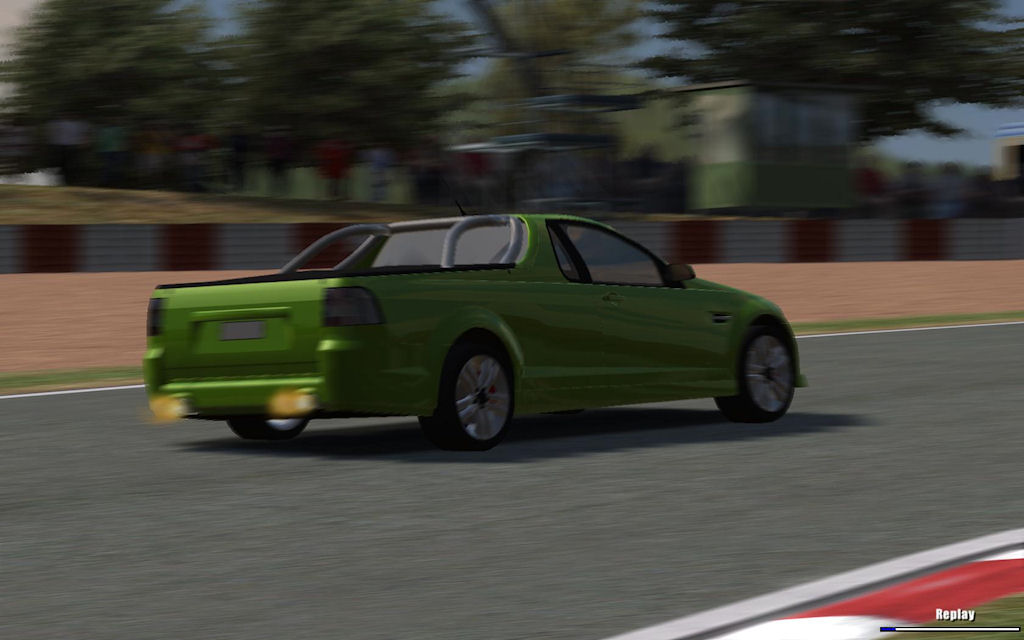
Driving Speed Pro is a racing game for PC. Race
in V8 muscle cars against the computer or friends in networked
multiplayer. In career mode you can experience a real racing career.
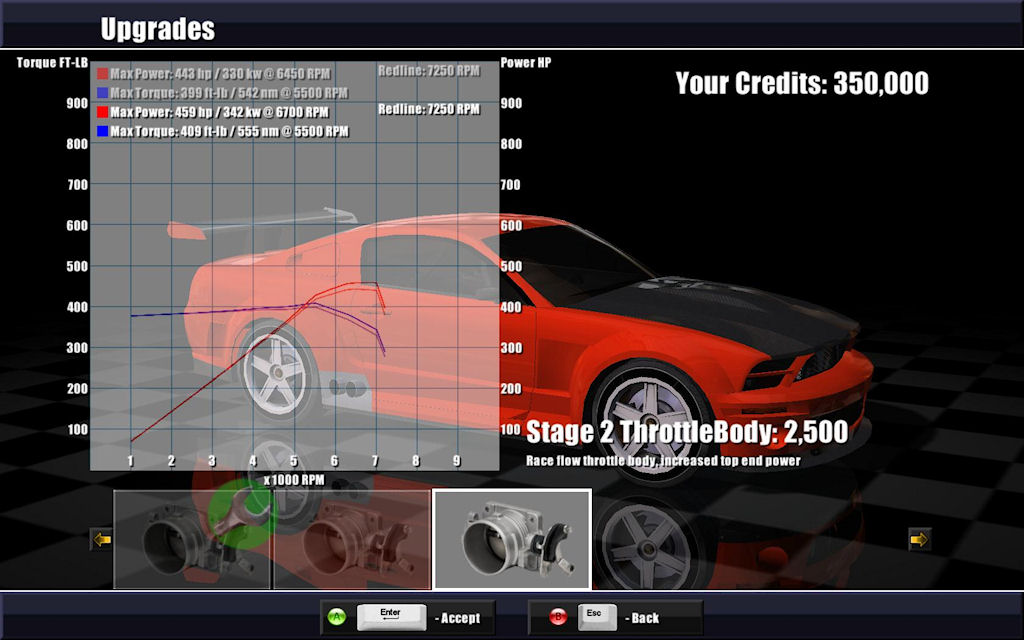
Purchase a collection of cars, race in organized series events to earn
money, purchase performance upgrades and repair damage after events.
Click Here to
view online lap records.
Minimum System Requirements

Download the latest version of the game. (120MB)
This game will function as a demo until unlocked
using a License Key. Purchasing the full version gives you access to
any future updates. Please make sure you have installed the demo and
there are no problems with running the software on your system before
purchasing the full version.

License Key to unlock the demo into the Full version $9.95 US. Unlocks
all cars, tracks and features of the game.
For payments we use the third-party services of Plimus, an online
ECommerce provider. They offer safe and secure online transactions.
Once payment has been processed a License Key is automatically
generated and emailed to you. If paying by credit card or debit card
you should receive your License Key within a few minutes. If paying by
another method please allow up to 48hrs for the payment to clear. Check
your email junk and spam folders if you don't receive your License Key.
Please note that we can't accept payments via PayPal at this time.
If you have any questions or require assistance
with purchasing or product support you can send an email to:
News
16th, July, 2012
Version 1.8
has been released. We are currently working on a DRM free version, available
soon for buyers.
12th, March, 2012
Version 1.7 has been released with a fix for post effects not working
correctly with certain NVIDIA graphics settings.
4th, June, 2011
Version 1.6 has been released with various bug fixes.
10th, August, 2010
Version 1.5 has been released with 1 new car, optimized graphics,
higher quality shadows, a bug fix for joining WAN games, and a bug fix
for gear ratio tuning / saved setups.
26th, May, 2010
Version 1.4 has been re-uploaded with a fix to allow backwards
compatibility with previous versions of save games.
16th, May, 2010
Version 1.4 has been released with some fixes for incompatibilities on
older graphics cards.
15th, May, 2010
Skin file tool has been released, see at the bottom of the page for
information and a download link.
25th, April, 2010
Version 1.2 has been released with 1 new car and 3D animated crowds.
15th, March, 2010
Version 1.1 has been released featuring 2 new cars and a new series
event in career mode.
20th, February, 2010
A new update will be coming soon with 1 new car called the Judge. Also
included will be improved suspension settings and stronger anti-roll
bars on all cars for better handling.
29th, January, 2010
Minor update to fix some issues that were in the initial release.
25th, January, 2010
Driving Speed Pro has been released.
Support / FAQ
Q: What if I experience problems with the game?
A: Make sure you have the latest version which is available from the
download button here on our site. If you still have problems running
the game you can send an email to our support email address. The news
section will list when new versions of Driving Speed Pro have been
released.
Q: How can I improve the frame rate?
A: If you experience a slow frame rate you can try these things. Use a
lower resolution when starting the game. You can also go to the Options
-> Graphics and disable some features such as Post Effects and 3D
Crowds. You can also set the Shader Quality to Low if there are still
performance issues.
Q: Will there be new cars, tracks and features added
to this game?
A: Yes we are committed to adding new content and features over time
and releasing them here. All existing customers are able to upgrade to
any new versions that are released. While we do our best to add new
content to this game we make no solid promises of how much and how
often we will be adding new content. It also depends on customer
support of this product. Without legitimate customers we will not be
able to support the development costs of new content.
Q: How can I update to the latest version?
A: If you already have the game installed you can upgrade to the latest
version by installing the new version over the top of the existing
install location. You can also uninstall before re-installing but you
will lose your save games, game progress, and if you have the full
version installed you will need to re-activate the new version with
your license key. If you require more license key activations then send
an email to the support email address.
Q: What if I lose my license key?
A: If you purchased the game then send an email to the support email
address, include the email address you used to purchase or your full
name and we will re-send your license key. Please dont pretend you lost
your key if you didn't purchase the game, no license keys will be given
out to sales we cannot verify.
Q: What if I need to reinstall or upgrade and run out
of license key activations?
A: Send an email to the support email address and we will make sure you
are accommodated with new activations.
Q: I get the error "HttpSendRequest failed" when
trying to register the game?
A: Open the Control Panel in Windows, select Internet Options or
Network and Internet -> Internet Options on Windows 7. Click the
Advanced tab and go down to Security, make sure "Check for server
certificate revocation" is unchecked then re-try registering the game,
you can re-enable the setting again once the game is registered.
Q: How do I play online?
A: Versions older than 1.5 had no support for joining WAN games which
has recently been fixed. Although online play is not fully tested or
supported. We have no online matchmaking service with this game. If you
wish to have friends join a game you are hosting you will need to know
what your IP address is so that others can join. You will also need to
setup port forwarding on your modem / router to allow connections to be
forwarded to your computer. Your modem / router manual should have
information on how to do this. The port number you host the game with
will need to be setup with your modem software.
Q: Does this game support mods?
A: Unfortunately at this stage we don't support user mods to this game
and have no short term plans to enable such a feature as it will be a
very time consuming and costly feature to implement. This does not mean
that it will be out of the question to add some support for this some
time in the future.
Q: How do I enable Antialiasing in the graphics?
A: Antialiasing is supported in version 1.5 and later and can be
enabled by switching it on in your graphics card driver settings.
Q: Are you looking for artists, musicians or
programmers to help with developing new content and features?
A: We are not looking for new collaborators at this time.
Extras / Tools
Skin File Tool
You can use this tool if you are creating custom skins for the
cars and wish to create the needed skin.txt.enc file with skin
information such as a unique skin name and color. Note that if you are
on Vista or Windows 7 you may not be able to save files under Program
Files directly, this is due to the security on those operating systems.
If needed save the file elsewhere on your hard drive and copy manually
using explorer.
Click Here to download the tool.
(file size 244kb) (comes without installer)

To create a new skin for a car you create a new folder under
the car's directory in data\cars\carfolder. Any texture .dds files that
you place in this folder will override the ones in the car's base
folder. Use a picture editing program such as Photoshop with the NVIDIA
dds plugin to edit the textures. Use the skin tool above to create a
new skin.txt.enc file to place in the folder.